

































In Codex
Use ChatCut's SaaS Kinetic Type Launch for my product website: [URL]. Use the attached logo and actual screenshots. Focus on our shared inbox feature, use only claims on the site, and build an editable promo timeline.
Choose a style and bring your website, logo, and product screens to create an editable app promo video.

AtomicPro
What happens next
Built-in Agent work uses credits; extra generation is estimated before it runs in ChatCut. Video and image generation require a paid plan. App promo guide







Trusted by 400,000+ creators
Choose bold type, product cards, or a feature tour to load that template's form above.
Turn the assets you already have into a promo with motion, clear copy, and real product screens.
ChatCut uses your site for brand colors, logo, copy, and product screens. Add missing assets to complete the story.
Use SaaS Kinetic Type Launch for bold messaging or Flat-card SaaS Explainer to put your interface in focus.
Use real screenshots and supported feature claims. The template's sample brand, numbers, and interface are replaced with your own.
Adjust text and exposed graphic properties, replace media, or ask the Agent for revisions before exporting your promo.
Start with a template and your product assets, then finish the video in ChatCut.
Preview the styles above and pick the motion and format that fit your launch.
Provide your website, logo, screenshots, and key message as the selected form requests. Add notes about your audience.
Continue to the editor, sign in, and review any generation estimate before running. Check the finished timeline and export.
Give a software launch, feature update, or social campaign a clear visual story.
Introduce the problem your app solves with bold text, brand colors, and screens that show the product.
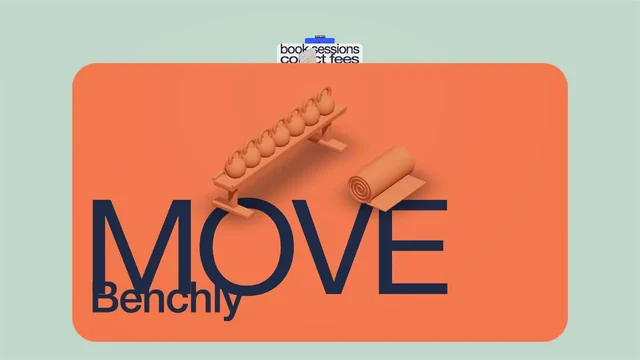
Show a new workflow with real interface images and short feature copy in a product card or tour style.
Choose a vertical style for a social teaser or a landscape style for your website and launch presentation.
Follow the linked desktop setup guide, then ask your connected agent to use the same promo Skill.
In Codex
Use ChatCut's SaaS Kinetic Type Launch for my product website: [URL]. Use the attached logo and actual screenshots. Focus on our shared inbox feature, use only claims on the site, and build an editable promo timeline.
In Claude Code
Use ChatCut's Break Typography style to make a vertical launch teaser for [product website]. Use our real logo and product screens, lead with the main benefit on the website, and keep the text editable. Ask for any missing brand assets.
Also on Grok and Antigravity. See all plugins.
Your result lands in a ChatCut project. Trim it, add captions, a voiceover or music, then export. Manual editing and export do not use credits.
100+ Skills. No experience needed. Start in one click.
Unlock member features, models, and export allowances. Get more credits every month
Billed annually · $252
16% offBilled annually · $456
24% offBilled annually · $864
28% offBilled annually · $1692
30% off$0No credit card required
Some features are completely free in Codex, Claude, and WorkBuddy. Learn More
| Credits per month | Monthly | Annual |
|---|---|---|
| Starter · 100 credits / month | $25/month Billed monthly | $21/month $252 · Billed annually |
| Plus · 200 credits / month | $48/month Billed monthly | $38/month $456 · Billed annually |
| Pro · 400 credits / month | $92/month Billed monthly | $72/month $864 · Billed annually |
| Max · 800 credits / month | $180/month Billed monthly | $141/month $1692 · Billed annually |
| Max · 1,200 credits / month | $270/month Billed monthly | $211/month $2532 · Billed annually |
| Max · 2,000 credits / month | $450/month Billed monthly | $351/month $4212 · Billed annually |
It turns your software's brand assets and message into a short promotional video. ChatCut adapts a chosen motion template to your website, logo, and product screens, then gives you an editable timeline.
Choose a template above and fill in its form with your product details and any requested assets. Continue to ChatCut to sign in and start the work, reviewing any extra generation estimate there. This page does not upload your files or charge your account.
Have your product website, a clear logo, actual product screenshots, and a key message ready. ChatCut can collect brand content from the site, while attached images fill gaps. Follow the selected template's form because its inputs may differ.
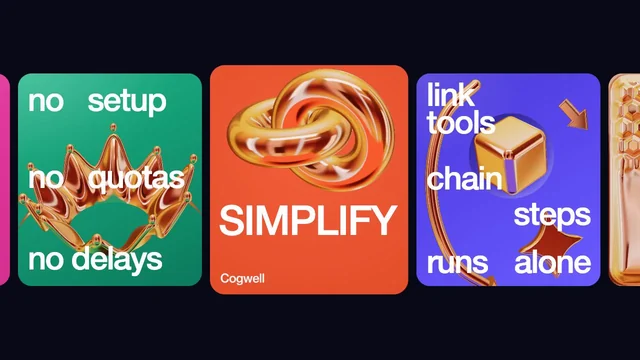
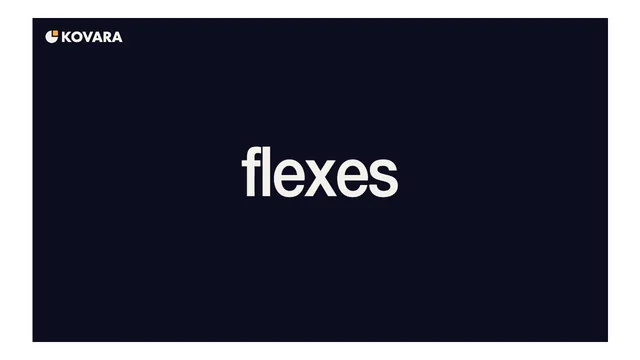
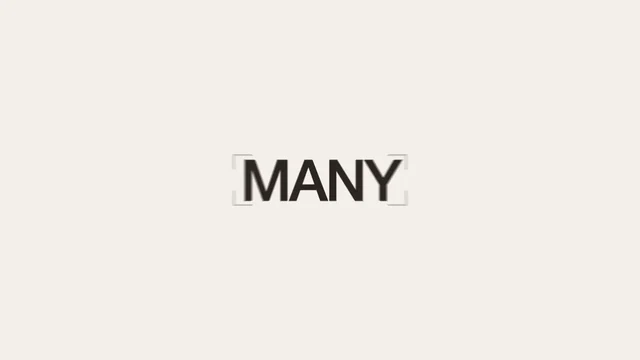
SaaS Kinetic Type Launch puts large moving text at the center of the message. Flat-card SaaS Explainer emphasizes product windows, while AI Assistant Feature Tour suits several features. Preview the motion and framing before choosing.
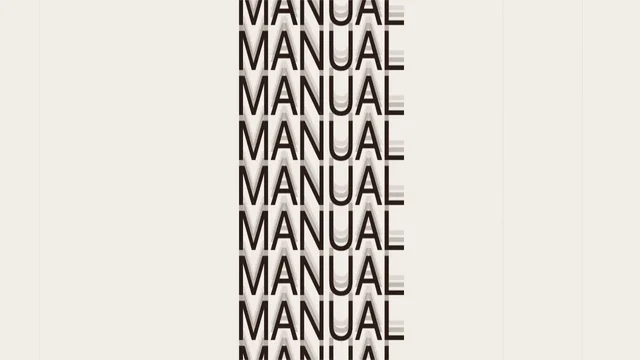
Timing and framing depend on the template: SaaS Kinetic Type Launch defaults to 34 seconds in 16:9, while Break Typography defaults to about 10 seconds in 9:16. Request a different length or format in your brief if needed. These Skills do not specify a fixed generation resolution; review the available resolution in ChatCut's export settings.
Work by the built-in Agent uses credits based on the request, rather than a fixed price per promo. Extra video or image generation requires a paid plan and credits, with an estimate before it runs and a new paid job for each remake. Manual editing, caption editing, and export do not consume credits.
Yes, provide your actual logo, screens, and approved wording in the brief. ChatCut replaces sample content with your brand assets and uses your website as a factual source. Check every claim, number, and product screen before publishing.
Yes, the result uses editable Motion Graphics on the timeline. Change text and exposed properties, adjust the separate soundtrack, or ask the Agent to revise the project. Agent revisions use variable model usage; manual changes do not use credits.
Yes, these templates can introduce features with real product screens and short copy. They are best suited to a promotional overview. Supply the screens for the workflow you want to show instead of expecting invented interface footage.
Use the linked ChatCut setup guides for Codex or Claude Code desktop and ask the connected agent to run your chosen Skill. The plugin does not install into the ChatGPT or Claude websites. The host handles its own reasoning allowance, while ChatCut-hosted generation uses ChatCut credits and applicable plan rules.
Guides: App promo videos guide · All Skills
AI apps
Convert & compress
Edit video
Audio & voice