In Codex
Use ChatCut's Flat lays style to make a 3:4 overhead product photo from my attached tea packaging photos. Arrange the packaging neatly, keep its colors, and add no extra text. Show the generation estimate first.
Turn your product photos into studio shots, everyday scenes or overhead flat lays with a style you choose.
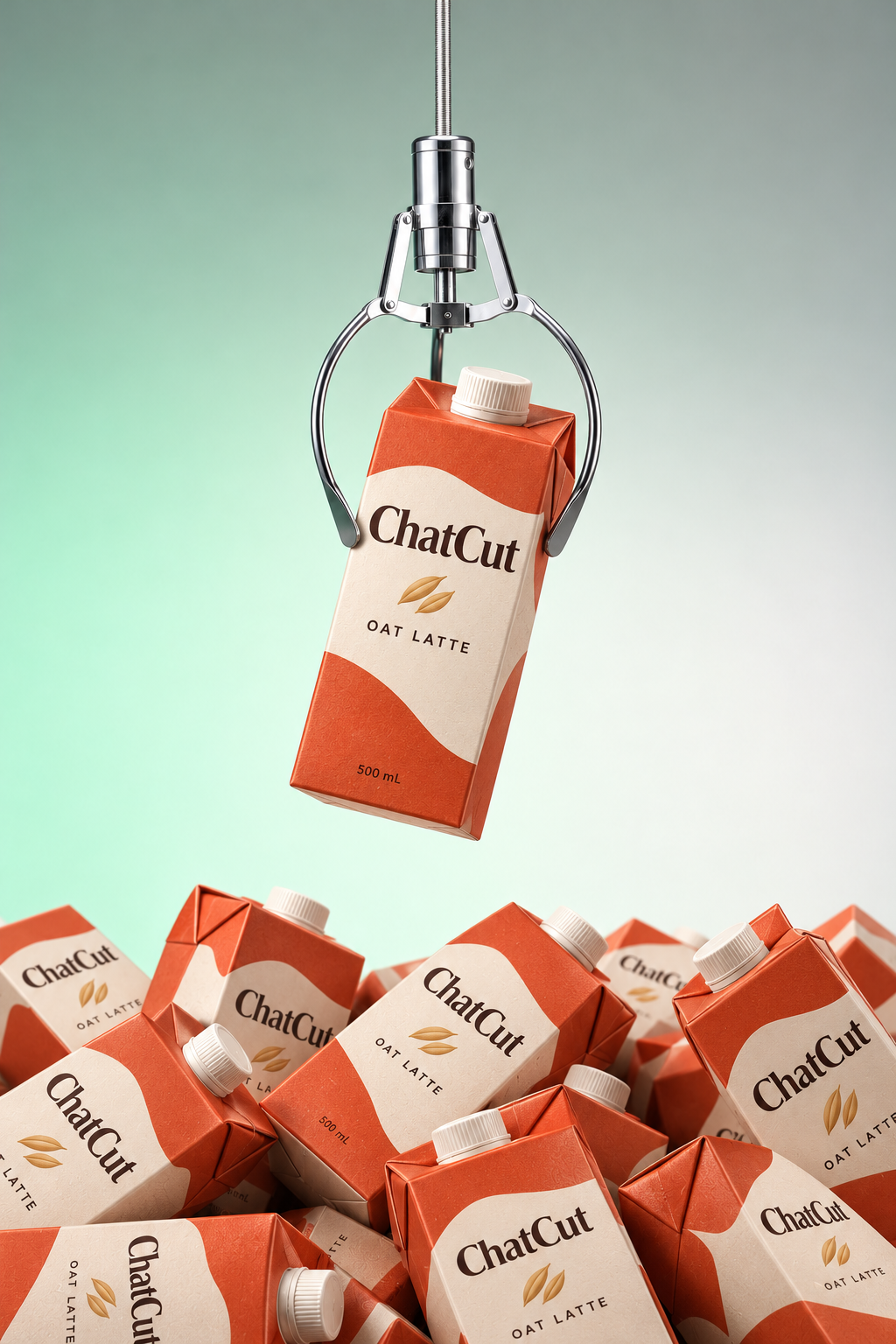
Splash & floatPro
What happens next
Image generation needs a paid plan and uses credits. ChatCut shows the estimate before the run. Product photo guide





Trusted by 400,000+ creators
Choose a photography style, then pick an example for the lighting, props and composition.
Start with your real packaging and choose the scene that helps shoppers understand your product.
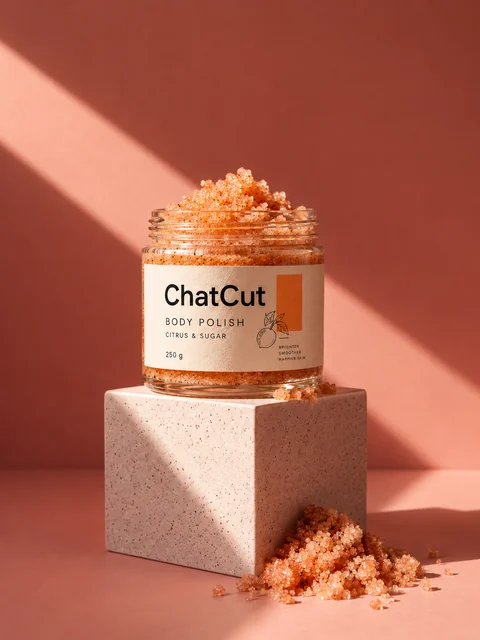
Put your product on display platforms with geometric backdrops and studio lighting for a store hero image.
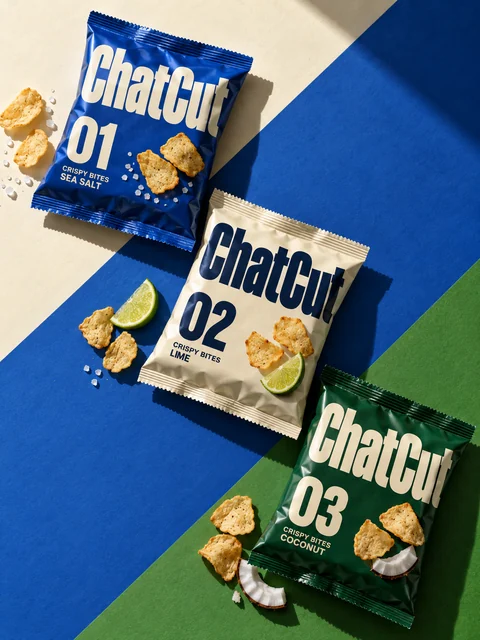
Show a product range, gift set or packaging from above with orderly arrangements and geometric compositions.
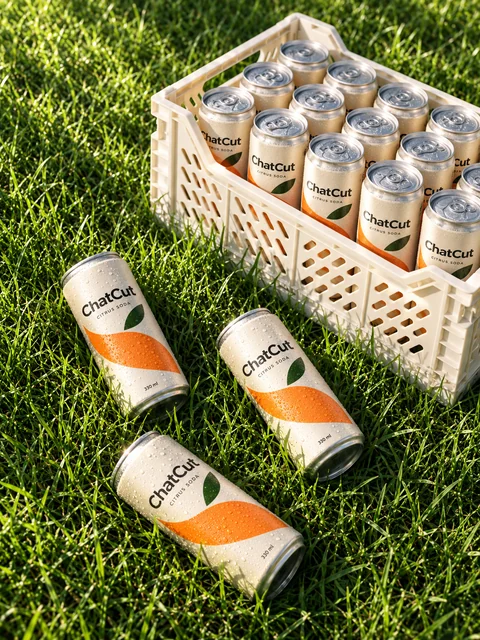
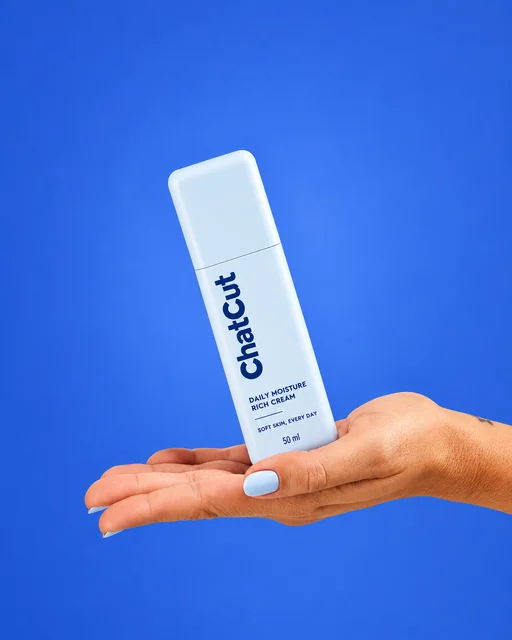
Choose Real places for lifestyle settings or In hand for a close-up of someone holding your product.
Review the finished still, download it, or place the saved image asset into a ChatCut video project.
Choose the look here, then review the estimate and generate your image in ChatCut.
Select a template and clear photos with the packaging visible. File selection here does not upload files or charge credits.
Choose the composition, a supported shape and any true product details. Add exact wording if you want text in the image.
Continue to the ChatCut editor, sign in and check the estimate before running. Review the image, then download or edit.
Match the style to the product details your audience needs to see.
Build a store hero image with Studio sets, or show packaging and coordinated products in a flat lay.
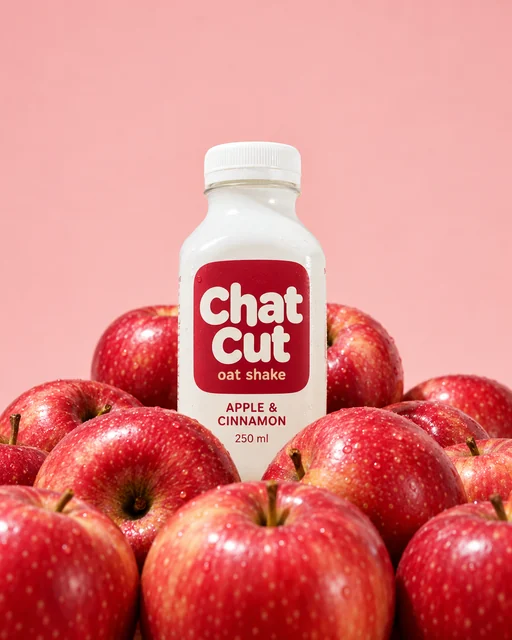
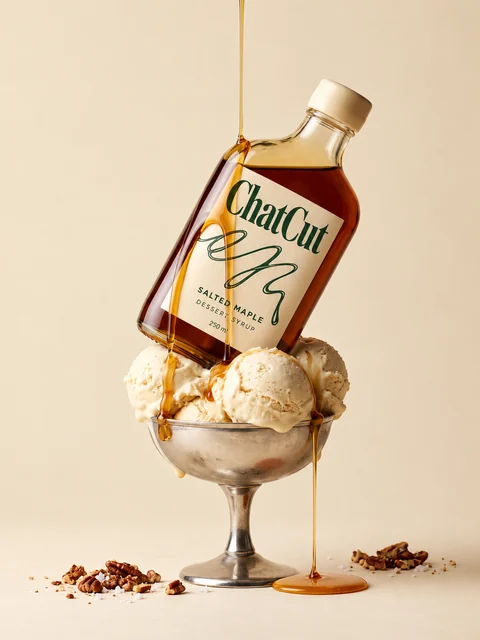
Use Food & treats for texture and plating, or Fruit & ingredients to show the ingredients you provide.
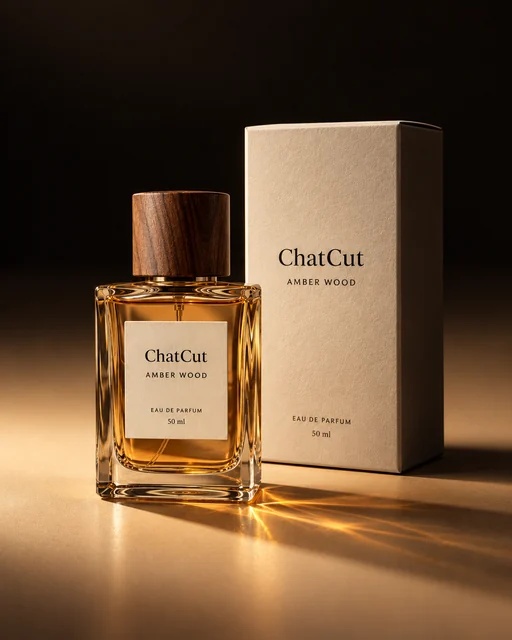
Use Light & shadow to emphasize materials, or Splash & float for liquid splashes around a fragrance or drink.
Follow the Codex or Claude Code setup guide to use ChatCut from a supported desktop agent.
In Codex
Use ChatCut's Flat lays style to make a 3:4 overhead product photo from my attached tea packaging photos. Arrange the packaging neatly, keep its colors, and add no extra text. Show the generation estimate first.
In Claude Code
Use ChatCut's Studio sets style for a 4:5 hero image of my attached moisturizer jar. Choose a geometric display platform with studio lighting. Use the real packaging as reference and add no claims. Show the estimate before generating.
Also on Grok and Antigravity. See all plugins.
Your result lands in a ChatCut project. Trim it, add captions, a voiceover or music, then export. Manual editing and export do not use credits.
100+ Skills. No experience needed. Start in one click.
Unlock member features, models, and export allowances. Get more credits every month
Billed annually · $252
16% offBilled annually · $456
24% offBilled annually · $864
28% offBilled annually · $1692
30% off$0No credit card required
Some features are completely free in Codex, Claude, and WorkBuddy. Learn More
| Credits per month | Monthly | Annual |
|---|---|---|
| Starter · 100 credits / month | $25/month Billed monthly | $21/month $252 · Billed annually |
| Plus · 200 credits / month | $48/month Billed monthly | $38/month $456 · Billed annually |
| Pro · 400 credits / month | $92/month Billed monthly | $72/month $864 · Billed annually |
| Max · 800 credits / month | $180/month Billed monthly | $141/month $1692 · Billed annually |
| Max · 1,200 credits / month | $270/month Billed monthly | $211/month $2532 · Billed annually |
| Max · 2,000 credits / month | $450/month Billed monthly | $351/month $4212 · Billed annually |
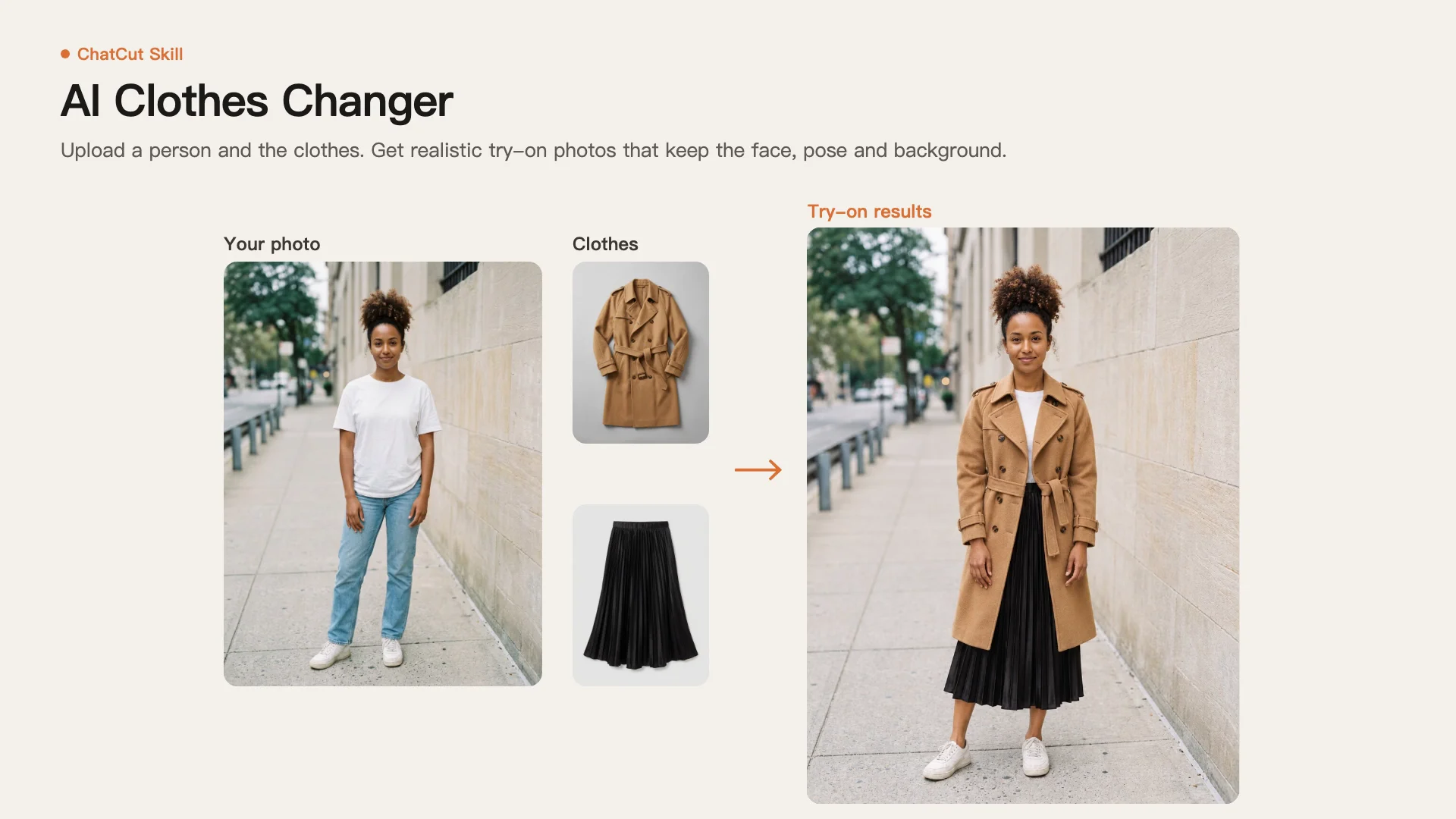
It uses your real product photos as references to generate a new still image in a chosen setting. ChatCut offers eight photography styles, from studio displays and lifestyle scenes to flat lays and ingredient arrangements.
Choose a template, select your product photos and pick an example above. Add any setting details or exact text, then continue to the ChatCut editor to sign in and review the credit estimate. This page does not upload your files or charge you; generation starts in ChatCut.
Use clear photos of the real product with the front, packaging and label visible. Supply true ingredient or product details when the scene needs them, and write any requested text exactly as it should appear. Follow the selected template's form for its input requirements.
Yes. Choose Flat lays for an overhead arrangement of products, sets or packaging in 3:4. Add styling notes about the arrangement and select the example closest to the composition you want.
Each job produces one still image in a shape supported by the style. Studio sets supports 3:4 and 4:5; Real places also supports 2:3, while Flat lays and Food & treats use 3:4 and Fruit & ingredients uses 4:5. These templates do not publish a fixed pixel resolution, so check the finished image's dimensions before use.
No. Image generation requires a paid ChatCut plan and uses credits, with an estimate before the run. Each new version is a separate paid job. Manual editing, adding captions and exporting do not consume credits.
The styles cover products such as drinks, food, skincare, fragrance, home goods and gift sets. Choose Food & treats for texture, In hand for a close-up presentation, or Light & shadow to emphasize materials. Match the example to the product rather than assuming every scene suits every item.
ChatCut uses your product photos as references for the shape and packaging, then generates the selected scene. Compare labels, logos, colors and proportions with the real product before publishing. A generated scene needs review and is not evidence of a physical photoshoot.
Yes. The result is saved as an image asset in the project's My Assets, where you can reuse it in a video or ask for changes. It is a flat bitmap, not separate editable object and text layers. Regenerating an image creates another paid job.
Use the Codex or Claude Code setup guide with ChatCut connected. The plugin does not install into the ChatGPT or Claude websites. Paste a prompt above and provide the product photos; ChatCut-hosted image generation uses your ChatCut credits.
Guides: Product photos and listing images guide · All Skills
AI apps
Convert & compress
Edit video
Audio & voice